 Hover to zoom
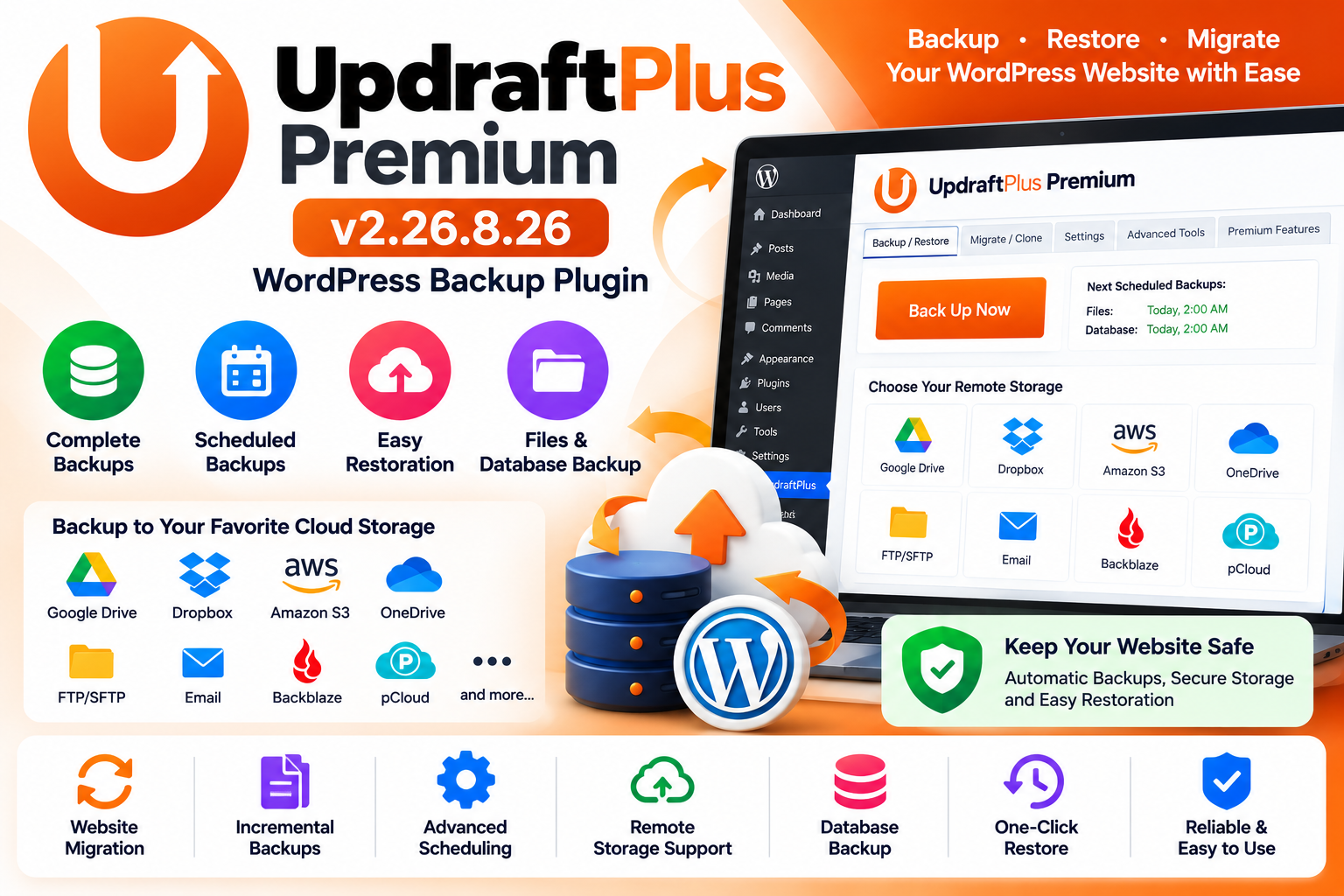
UpdraftPlus Premium v2.26.8.26 is a powerful WordPress backup and restoration plugin designed to help website owners protect their WordPress websites with scheduled backups, easy restoration, migration tools, remote storage options, and advanced backup management features.
A reliable backup strategy is essential for WordPress websites. Whether your website is a blog, WooCommerce store, business website, membership platform, news portal, or client project, UpdraftPlus Premium provides tools to create and manage website backups directly from the WordPress dashboard.
UpdraftPlus simplifies the process of backing up WordPress websites. You can configure automatic backup schedules, select what you want to back up, store backup files remotely, and restore your website when required.
The plugin is designed to make backup management accessible even if you don't have advanced technical knowledge.
Create backups of important WordPress website components, including files and database data, according to your configured backup settings.
Configure scheduled backups so your website data can be backed up automatically rather than relying entirely on manual backups.
Restore backed-up website components through the WordPress administration dashboard when you need to recover from an issue.
Protect your WordPress database and its important website information with dedicated database backup functionality.
Back up WordPress files such as themes, plugins, uploads, and other website files according to your selected configuration.
UpdraftPlus supports integrations with various remote storage services, allowing backup files to be stored away from your hosting server.
Supported storage options and features depend on the version and configured addons.
Set different schedules for files and database backups according to your website's backup requirements.
For websites that receive frequent updates, a more frequent backup schedule can help maintain more recent recovery points.
Premium functionality can provide incremental backup capabilities for supported configurations, helping manage backup processes for larger websites.
Use supported migration and cloning tools to move or duplicate WordPress websites between environments.
This can be useful when moving a website to new hosting, creating staging environments, or transferring a website between domains.
Manage existing backup sets from your WordPress dashboard and maintain greater visibility over your website's backup history.
WooCommerce stores frequently receive new orders, customer information, product updates, and other important data.
UpdraftPlus can be used as part of a broader backup strategy for WooCommerce websites, helping website owners maintain recovery points for important website data.
Creating a backup before making significant website changes can provide an additional recovery option.
Consider creating a backup before:
Updating WordPress
Updating plugins
Updating themes
Changing website settings
Installing major plugins
Migrating hosting
Changing domains
Performing development work
Making database changes
Moving a WordPress website can involve transferring files, databases, media, themes, and plugins.
UpdraftPlus Premium provides migration-related tools designed to simplify the process of moving WordPress installations between supported environments.
UpdraftPlus Premium can be useful for:
Business Websites
WooCommerce Stores
Blogs
News Websites
Membership Websites
Agency Websites
Portfolio Websites
Educational Websites
Corporate Websites
Content Websites
Client Websites
Create WordPress backups
Schedule automatic backups
Back up files and databases
Restore website data
Store backups remotely
Manage backup sets
Support website migration workflows
Useful for WooCommerce websites
Reduce manual backup work
Create recovery points before major changes
Manage backups from the WordPress dashboard
Managing WordPress backups manually can be time-consuming and technically complicated.
UpdraftPlus brings backup, restoration, scheduling, remote storage, and migration-related functionality into the WordPress dashboard, making it easier to establish a consistent website backup workflow.
For businesses and website administrators, having recent backups can provide an important recovery option when unexpected website problems occur.
Plugin: UpdraftPlus Premium
Version: 2.26.8.26
Type: WordPress Backup & Restore Plugin
Platform: WordPress
Category: Backup & Migration
Backup: Files & Database
Scheduling: Supported
Restoration: Supported
Remote Storage: Supported through compatible integrations
Migration: Supported through applicable functionality
Use Cases: WordPress, WooCommerce, Business Websites, Blogs & Agencies
UpdraftPlus Premium v2.26.8.26 – WordPress Backup Plugin provides a comprehensive solution for managing WordPress website backups, restoration, scheduled backup tasks, remote storage, and migration-related workflows.
Whether you operate a small blog, business website, WooCommerce store, membership platform, or multiple client websites, maintaining reliable backups is an important part of WordPress website management.
UpdraftPlus Premium helps simplify this process by bringing essential backup and recovery tools into a single WordPress dashboard.
This product is software distributed under applicable licensing terms. Please review the original developer's license and the licensing terms of the plugin and any associated addons before using, modifying, or redistributing the software.
No approved reviews yet.
Login to write a review.