 Hover to zoom
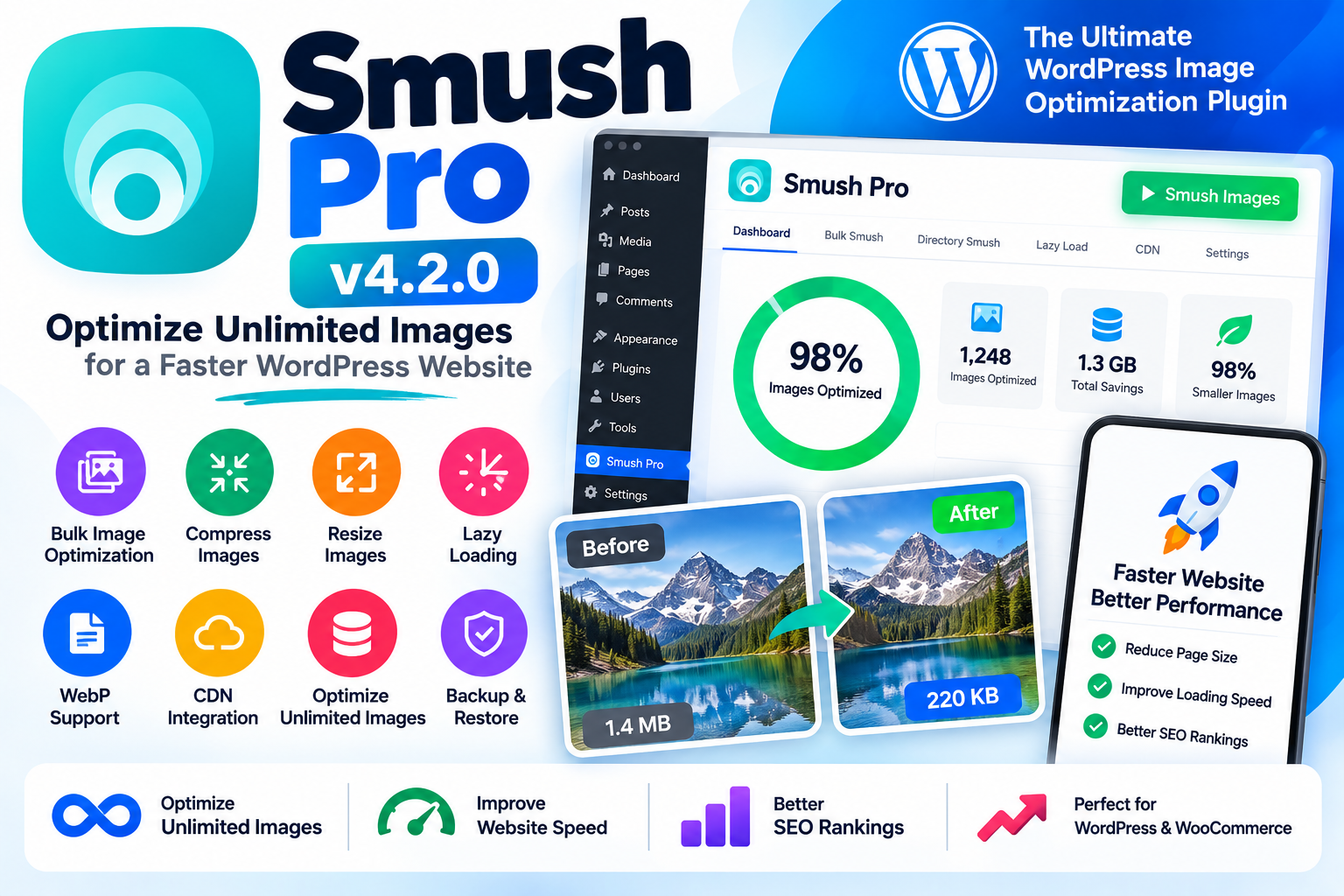
Smush Pro v4.2.0 is a powerful WordPress image optimization plugin designed to compress, resize, optimize, and manage images while helping improve website performance. It provides advanced tools for reducing image file sizes without unnecessarily compromising visual quality.
Large and unoptimized images can increase page size and contribute to slower loading times. Smush Pro helps WordPress website owners optimize their media library and deliver more efficient images to visitors.
With Smush Pro, you can optimize images directly from your WordPress dashboard. The plugin is designed to simplify image optimization for blogs, business websites, WooCommerce stores, agencies, photographers, publishers, and other image-heavy WordPress websites.
Its optimization tools can help reduce image sizes, improve page performance, and make managing large media libraries easier.
Optimize images across your WordPress website and media library without manually processing every image individually.
Reduce image file sizes while maintaining a balance between compression and image quality.
Optimize multiple existing images from your WordPress Media Library using bulk optimization tools.
Configure image optimization so that newly uploaded images can be processed automatically according to your settings.
Resize oversized images to more appropriate dimensions and prevent unnecessarily large files from being served on your website.
Enable lazy loading to defer loading of images until they are needed, potentially reducing the amount of content loaded initially.
Use modern WebP image formats where supported to help deliver smaller image files and improve page efficiency.
Optimization workflows can include image backup capabilities, allowing you to preserve original files and restore them when supported by the plugin configuration.
Smush Pro includes performance-oriented image delivery features designed to help serve optimized images efficiently to website visitors.
Optimize images stored outside the standard WordPress Media Library where supported.
Images are often among the largest assets loaded on a webpage. Optimizing them can help reduce page weight and improve the overall browsing experience.
Smush Pro brings image compression, resizing, lazy loading, modern image formats, and other optimization tools together in one WordPress plugin.
Online stores often contain hundreds or thousands of product images. Smush Pro can help optimize product images and other media assets to keep your WooCommerce website more efficient.
Use it for:
Product images
Category images
Banner images
Blog images
Featured images
Gallery images
Marketing graphics
User-uploaded media
If your website already has a large media library, you don't necessarily need to optimize every image manually.
Smush Pro provides bulk optimization tools that can help process existing images and simplify the management of large WordPress media libraries.
Optimize WordPress images
Compress image files
Optimize images in bulk
Resize oversized images
Support modern image formats
Enable lazy loading
Manage large media libraries
Improve image delivery
Reduce unnecessary page weight
Optimize WooCommerce product images
Simplify WordPress image optimization
Smush Pro can be useful for:
WordPress bloggers
WooCommerce store owners
Business websites
News websites
Publishers
Photographers
Designers
Agencies
Developers
Image-heavy websites
Instead of relying on several separate tools for image compression, resizing, lazy loading, and image delivery, Smush Pro brings multiple image-performance features together in one WordPress solution.
It is particularly useful for websites with large media libraries or websites where image optimization is an important part of the overall performance strategy.
Plugin: Smush Pro
Version: 4.2.0
Type: WordPress Image Optimization Plugin
Category: Image Optimization & Performance
Platform: WordPress
Optimization: Image Compression & Resizing
Bulk Optimization: Yes
Lazy Loading: Supported
WebP: Supported
Use Cases: WordPress, WooCommerce, Blogs, Business Websites & Agencies
Smush Pro v4.2.0 – Optimize Unlimited Images provides a comprehensive set of tools for managing and optimizing images on WordPress websites.
From compressing existing images and optimizing new uploads to resizing oversized files, lazy loading images, and using modern image formats, Smush Pro can help website owners build a more efficient media workflow.
For WooCommerce stores, blogs, business websites, news portals, and image-heavy websites, Smush Pro can be a valuable addition to a WordPress performance optimization toolkit.
This product is software distributed under applicable licensing terms. Please review the original developer's license and the licensing terms associated with the software before using or redistributing it
No approved reviews yet.
Login to write a review.